 FAQs
FAQs Start a Chat
 Visit a Showroom
 Send a Message
 (888) 676-7746


The Psychology of Space: How Layout Influences Behavior at Work
Workspace design shapes how people collaborate, focus, and perform. Discover the psychology behind office layout—and how smarter design can improve productivity.



Working from home has its perks—but clutter, distractions, and a poorly organized setup can quickly chip away at your productivity. Whether you’re clocking in full-time from home or just need a better setup for focused tasks, an organized home office can make a world of difference.
This ultimate guide walks you through how to organize your home office step by step, with practical tips, smart storage ideas, and a printable checklist you can use anytime.
A well-organized workspace isn’t just about aesthetics—it directly impacts how you work and how you feel.
Benefits of an organized home office:
In short: when your space works better, you work better.

Before adding storage or buying accessories, start by clearing the slate.
Ask yourself:
If the answer is no, it’s time to recycle, donate, or store it elsewhere. Keep only what truly earns its place on or near your desk.
Pro tip: Empty your desk completely, then add items back intentionally.
Think of your home office as a collection of mini-zones, each with a purpose:
Zoning keeps frequently used items within reach and prevents clutter creep.
When square footage is limited, go vertical.
Smart vertical solutions include:
Vertical storage keeps your desk clear while still giving you easy access to essentials.

Loose cords are one of the fastest ways to make a space feel messy.
Cable management essentials:
Keeping cables organized also makes cleaning and upgrading tech much easier.
Storage should be both functional and visually cohesive with your space.
Look for:
Neutral colors and clean lines help create a calm, professional feel—perfect for home offices that double as living spaces.

Your workspace should inspire you, not distract you.
Try:
The key is balance: meaningful touches without overwhelming the space.
A thoughtfully organized home office isn’t about perfection—it’s about creating a space that supports how you work. Small changes can lead to big improvements in focus, comfort, and productivity.
Looking to upgrade your setup? Modular storage, flexible desks, and smart accessories can help your home office evolve with you.

Workspace design shapes how people collaborate, focus, and perform. Discover the psychology behind office layout—and how smarter design can improve productivity.

Nomad Property Group is an NYC-based tenant advisory founded in 2019 that partners with VC-backed / high-growth companies from seed stage through IPO to design and secure office environments that scale with the business. They uniquely deliver a “Class A...

Discover how to organize your home office for maximum productivity with this step-by-step guide—plus a printable checklist to keep your workspace clutter-free.

Having the right chair matters. So does a height-adjustable desk that moves with your day. But wellness at work goes beyond great furniture — it’s about creating a workspace that supports how people feel, not just how they sit. At...

The end of the year is the perfect time to reflect, reset, and refresh your workspace. In this post, we share practical tips to wrap up your work year with intention—and start January with a clean desk, clear goals, and a pop of inspiration. From organizing your space to setting smart intentions, here’s how to finish strong and step into the new year ready to work happy.

We’ve all been there: powering through another workday with sore shoulders, a stiff back, and eyes that desperately need a break from the screen. In the modern office, discomfort can start to feel normal—but it shouldn’t be. Enter: ergonomics, your...

Discover the top 2026 office design trends shaping the future of work. From hybrid flexibility to wellness-focused spaces, learn how to create a workplace that inspires collaboration, comfort, and connection.

Growth is exciting. New team members. Bigger wins. Fresh energy. But if you’ve ever stepped into a “scaled-up” office that feels more corporate than collaborative, you know: getting bigger can sometimes mean losing what made your company culture so special....

Set your team up for hybrid success! Discover how to create flexible, consistent workspaces that keep productivity and collaboration strong across home and office.

Design a more inclusive office space with practical tips to support accessibility, flexibility, and belonging for every employee.
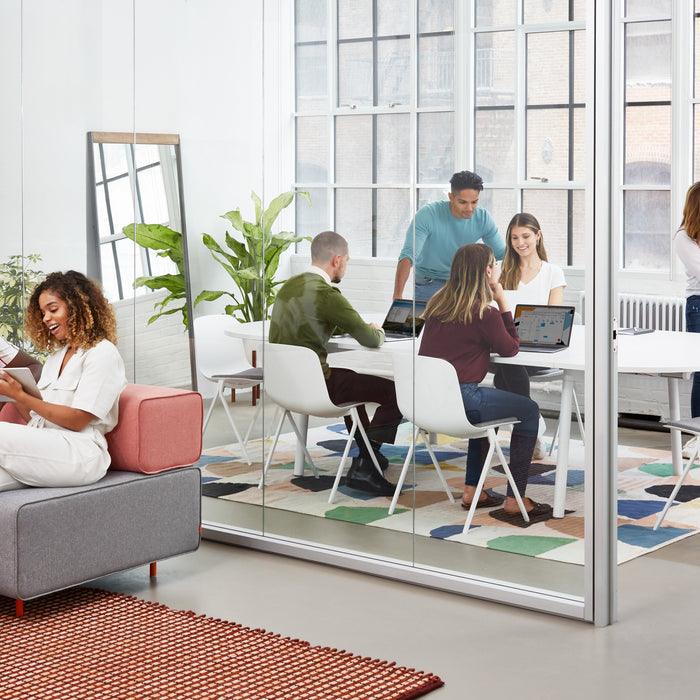
Discover how to optimize your office for summer interns with modular furniture, breakout spaces, and personalized touches. Create a flexible, welcoming environment that fosters collaboration and growth.
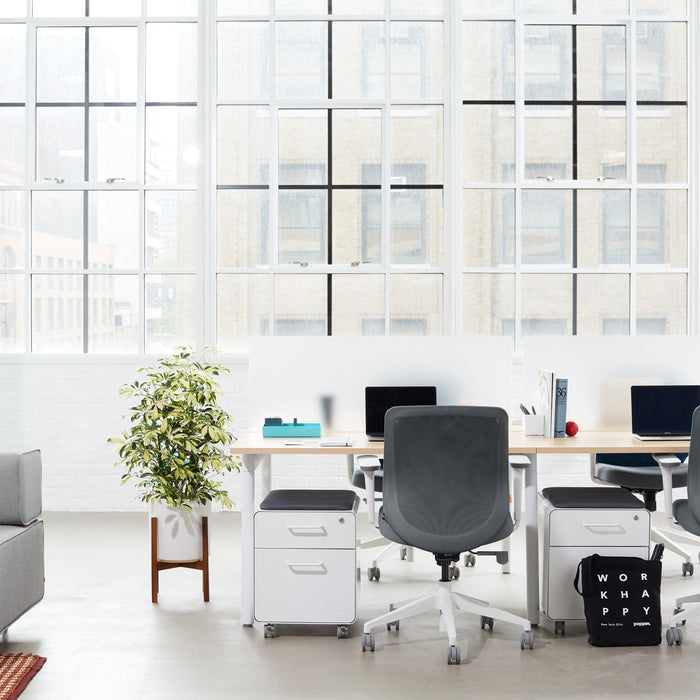
Fresh Office Energy, Zero Renovation Stress Let’s face it: not every team has the time (or budget) for a full office redesign. But the good news? You don’t need to tear down walls or replace every desk to create a...